v2.04
QOL:
– added 2.03 and 2.04 outfits to the outfit viewer
– recoded the intro for better replays, and outfit unlocks
– phone contact is unlocked after naming a character, outfit is unlocked during the panning image
– replays should not trigger any notifications for stat increases, or outfit unlocks (please report these if you find them)
– moved scene unlock code to the end of the scenes, so you cant replay it before you see it in game
– rerendered a bunch of images that needed polish
– Mai’s stat page says “affinity” for the first loop, then “obsession” after the first dance
– Lexxx stats now indicate her calibration percentage
– Other girls affinity, pregnancy, sub/dom stats are now active (they just don’t do anything yet)
– texted photos are now saved to the phones image album when you open the girl’s chat
– added a skip in the library to eliminate a chance of a dead end
*note: any changes made in the phone, gallery, girl stat page, outfit viewer, will not save unless you exit the phone and progress one click. after that, all your customizations will save
**known bug: unable to scroll up in text chats. You can drag the scroll bar to view earlier messages, but if you hover your mouse on the chat you return to the most recent message. Working on it
***You may receive text notifications as the new system catches up to the old save state. It will work itself out.
CONTENT:
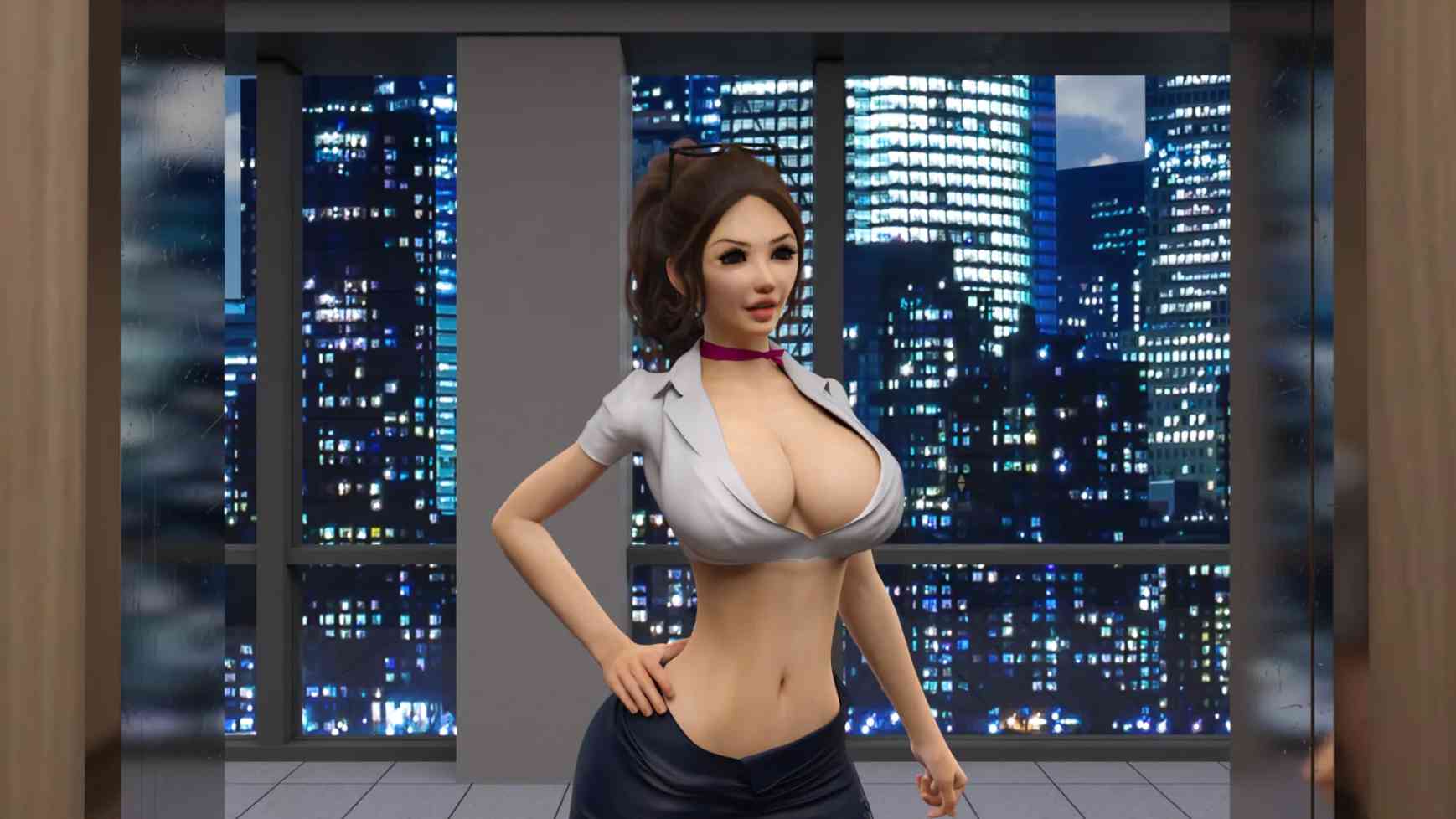
day 6 evening – New Mai idle
v2.03 Beta
QOL:
all phone idle animations quality greatly improved
quick menu returns after playing SQ
??? has been added to the gallery
Skip Dance button added (there is only one dance sequence this update, this will make it so you don’t need to repeat it)
Jessica outfit remake (still WIP)
Re-ordered some events and pictures
Dance character side images for MC, Alexa, Lexxx, Emily, and Sam
CONTENT:
Day 1 – Time loop reentry
Day 2 – Movie variant
Day 3 – Melvin Evening
Day 4 – Alexa Calibration
Day 4 – Lexxx Calibration
Day 5 – Hot tub intro
Day 5 – Hot tub (sharing option)
Day 5 – Alexa Calibration
Day 5 – Lexxx Calibration
Day 6 – Dance
Day 6 – Emily NTR (optional) *this scene is currently not in it’s canonical position in the story
Day 6 – Post Dance
Day 6 – Post Dance 2
Day 6 – Timewarp
Unlockable outfits:
Alexa 5 and 6
Lexxx 5 and 6
Emily 6 and 7
New texts sent to MC
v2.01
N/A
v2.00
New main menu (unlocks after viewing all character intros to avoid spoilers)
Day 1 intro
– reintroductions for 15 characters
– player inputed names and relationships (expanded to allow less awkward dialogue)
– minor tutorals added
– all new character side images for dialogue
– all game settings have been remastered, tons of new wall art
– all character default outfits have been remastered
– more defined morning/day/evening/night cycles in applicable settings
– one new trophy with new format
New content since tech demo
– Bailey intro and movie
– Ashley intro and movie
– Steph intro and movie
– Sam evening
– Emily evening (2 variations)
– 12 text message images
Changes since tech demo
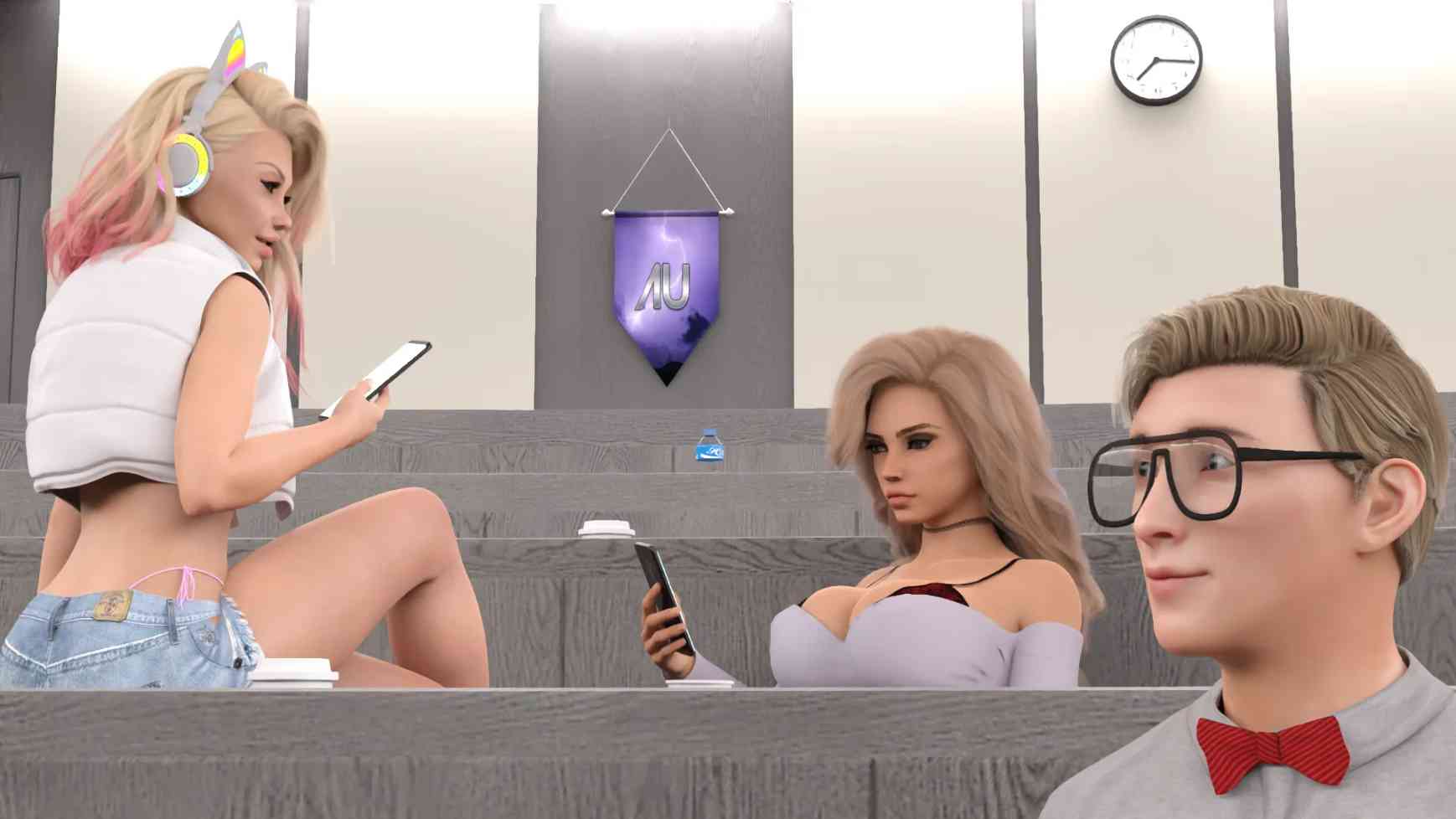
– Rerendered lecture hall scene (lighting correction)
– Rerendered Meiko intro (lighting correction)
– Rerendered Mai intro (lighting correction)
Player HUD
– new “hover-to-view” time and day icon
– phone icon
– new notifications with custom icons
Phone interface
– Contacts – Provides access to each character’s stats screen
– Messages – Allows MC to receive text messages. Built in unread notification feature that is specific to each convo
– Texts – Clicking a received image saves it to your phone
– Photos – All photos on the phone can be used as a phone wallpaper by clicking the star at the top left
– Trophies – Trophy screen has a new layout
– Replay Gallery – New “non-scrolling” layout. Character galleries are modelled after the trophy screen layout
– Home and back buttons to aid intuitive navigation
– There is also the general back button in the top left, that serves the same function as the power button (to turn off the phone), to allow seamless exit from the gallery
Replay Gallery
– Fully rebuilt the backend of how this works
– Replays are now available at any time in the game
– Unlocked scenes are no longer stored in persistent data, so a new save will have a fresh start
– Character galleries also provide access to a character’s stats by clicking them
Character idle icons
– New character icons that will be used in the gallery, choice menus and phone
– These icons will have outfit variations made available as they are unlocked in the game
– I have also made animated idles for each character in their default outfit
– You can choose between them in the character stats screens, or set it to default for a static image if you play on potato
Stats screens
– Change character idle icon
– Change names and relationships in a new format (click to use text input, and ‘enter’ to accept)
– View character stats
– Characters start at previous game’s max affinity
Navigation menus
– New layout and images
– Character progress indicators appear to show who is available at a given location and what you have seen
Choice menus
– Choice menus utilize the character idle icons
– they also display character progress for a given choice (Alexa 0/1 scenes viewed –> Alexa 1/1 scenes viewed)
Calibration screen
– this is more WIP than the others, as it is not fully used in this version
– the plan is to make it a more intuitive selection process for calibration, using image buttons on the screen
SINCE BETA:
– Daphne hallway intro
– New character intro
– Daphne movie night
– New Daphne idle animation
– Next Daphne text
– New Ashley idle animation
– Outfit unlock notifications
– added missing Affinity notifications
v2.00 Beta2
New main menu (unlocks after viewing all character intros to avoid spoilers)
Day 1 intro
– reintroductions for 15 characters
– player inputed names and relationships (expanded to allow less awkward dialogue)
– minor tutorals added
– all new character side images for dialogue
– all game settings have been remastered, tons of new wall art
– all character default outfits have been remastered
– more defined morning/day/evening/night cycles in applicable settings
– one new trophy with new format
New content since tech demo
– Bailey intro and movie
– Ashley intro and movie
– Steph intro and movie
– Sam evening
– Emily evening (2 variations)
– 12 text message images
Changes since tech demo
– Rerendered lecture hall scene (lighting correction)
– Rerendered Meiko intro (lighting correction)
– Rerendered Mai intro (lighting correction)
Player HUD
– new “hover-to-view” time and day icon
– phone icon
– new notifications with custom icons
Phone interface
– Contacts – Provides access to each character’s stats screen
– Messages – Allows MC to receive text messages. Built in unread notification feature that is specific to each convo
– Texts – Clicking a received image saves it to your phone
– Photos – All photos on the phone can be used as a phone wallpaper by clicking the star at the top left
– Trophies – Trophy screen has a new layout
– Replay Gallery – New “non-scrolling” layout. Character galleries are modelled after the trophy screen layout
– Home and back buttons to aid intuitive navigation
– There is also the general back button in the top left, that serves the same function as the power button (to turn off the phone), to allow seamless exit from the gallery
Replay Gallery
– Fully rebuilt the backend of how this works
– Replays are now available at any time in the game
– Unlocked scenes are no longer stored in persistent data, so a new save will have a fresh start
– Character galleries also provide access to a character’s stats by clicking them
Character idle icons
– New character icons that will be used in the gallery, choice menus and phone
– These icons will have outfit variations made available as they are unlocked in the game
– I have also made animated idles for each character in their default outfit
– You can choose between them in the character stats screens, or set it to default for a static image if you play on potato
Stats screens
– Change character idle icon
– Change names and relationships in a new format (click to use text input, and ‘enter’ to accept)
– View character stats
– Characters start at previous game’s max affinity
Navigation menus
– New layout and images
– Character progress indicators appear to show who is available at a given location and what you have seen
Choice menus
– Choice menus utilize the character idle icons
– they also display character progress for a given choice (Alexa 0/1 scenes viewed –> Alexa 1/1 scenes viewed)
Calibration screen
– this is more WIP than the others, as it is not fully used in this version
– the plan is to make it a more intuitive selection process for calibration, using image buttons on the screen
This is a market build for PC, Mac, and Linux. Please let me know if it is not working for your system
*For Mac: Create a new folder “autorun” – Add the following items to that folder (game, renpy, sexbot_Recalibrated.py, & sexbot_Recalibrated.sh)- Move that “autorun” folder into the “resources” folder under package contents. Finally move the extra “lib” folder into general “package contents” folder.
v2.00 techdemo
CHANGELOG:
New main menu (unlocks after viewing all character intros to avoid spoilers)
Day 1 intro
– reintroductions for 15 characters
– player inputted names and relationships (expanded to allow less awkward dialogue)
– minor tutorials added
– all new character side images for dialogue
– all game settings have been remastered, tons of new wall art
– all character default outfits have been remastered
– more defined morning/day/evening/night cycles in applicable settings
– one new trophy with new format
Player HUD
– new “hover-to-view” time and day icon
– phone icon
– new notifications with custom icons
Phone interface
– Contacts – Provides access to each character’s stats screen
– Messages – Allows MC to receive text messages. Built in unread notification feature that is specific to each convo
– Texts – Clicking a received image saves it to your phone
– Photos – All photos on the phone can be used as a phone wallpaper by clicking the star at the top left
– Trophies – Trophy screen has a new layout
– Replay Gallery – New “non-scrolling” layout. Character galleries are modelled after the trophy screen layout
– Home and back buttons to aid intuitive navigation
– There is also the general back button in the top left, that serves the same function as the power button (to turn off the phone), to allow seamless exit from the gallery
Replay Gallery
– Fully rebuilt the backend of how this works
– Replays are now available at any time in the game
– Unlocked scenes are no longer stored in persistent data, so a new save will have a fresh start
– Character galleries also provide access to a character’s stats by clicking them
Character idle icons
– New character icons that will be used in the gallery, choice menus and phone
– These icons will have outfit variations made available as they are unlocked in the game (ie change Alexa’s icon to a maid outfit after unlocking her maid scene)
– I have also made animated idles for each character in their default outfit
– You can choose between them in the character stats screens, or set it to default for a static image if you play on potato
Stats screens
– Change character idle icon
– Change names and relationships in a new format (click to use text input, and ‘enter’ to accept)
– View character stats
Navigation menus
– New layout and images
– Character progress indicators appear to show who is available at a given location and what you have seen (there is no content with any of these in this version)
Choice menus
– Choice menus utilize the character idle icons
– they also display character progress for a given choice (Alexa 0/1 scenes viewed –> Alexa 1/1 scenes viewed)
Calibration screen
– this is more WIP than the others, as it is not fully used in this version
– the plan is to make it a more intuitive selection process for calibration, using image buttons on the screen